Portal layout webform
The portal layout webform is used to embed a webform into a page.
By default, the portal layout webform includes
a portal text block which requires a title and summary with an optional button
the webform
The portal text block can be safely removed. Doing so then allows the webform to appear above supporting content and to display text without the required title.
Samples
Webform with standard text block
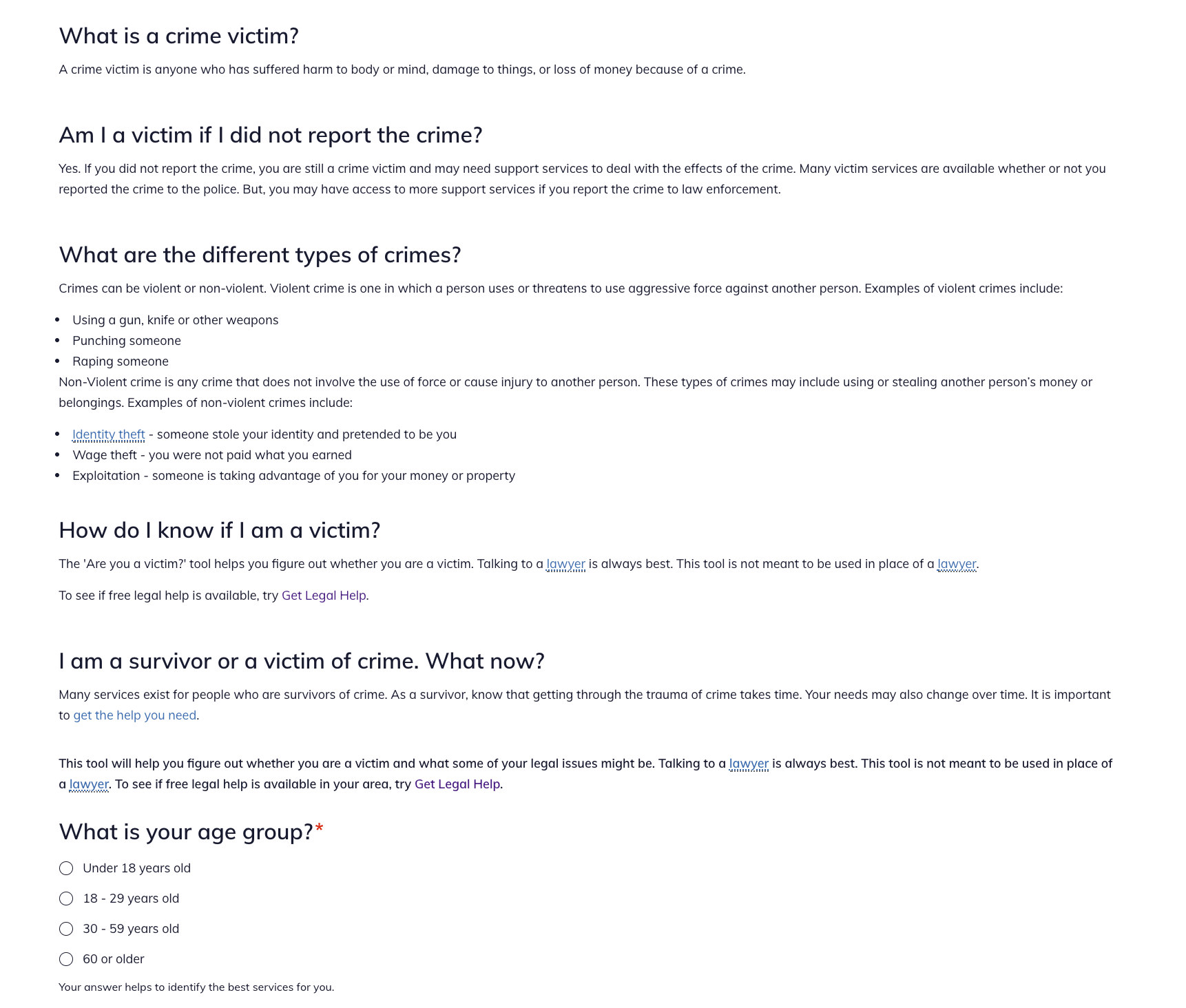
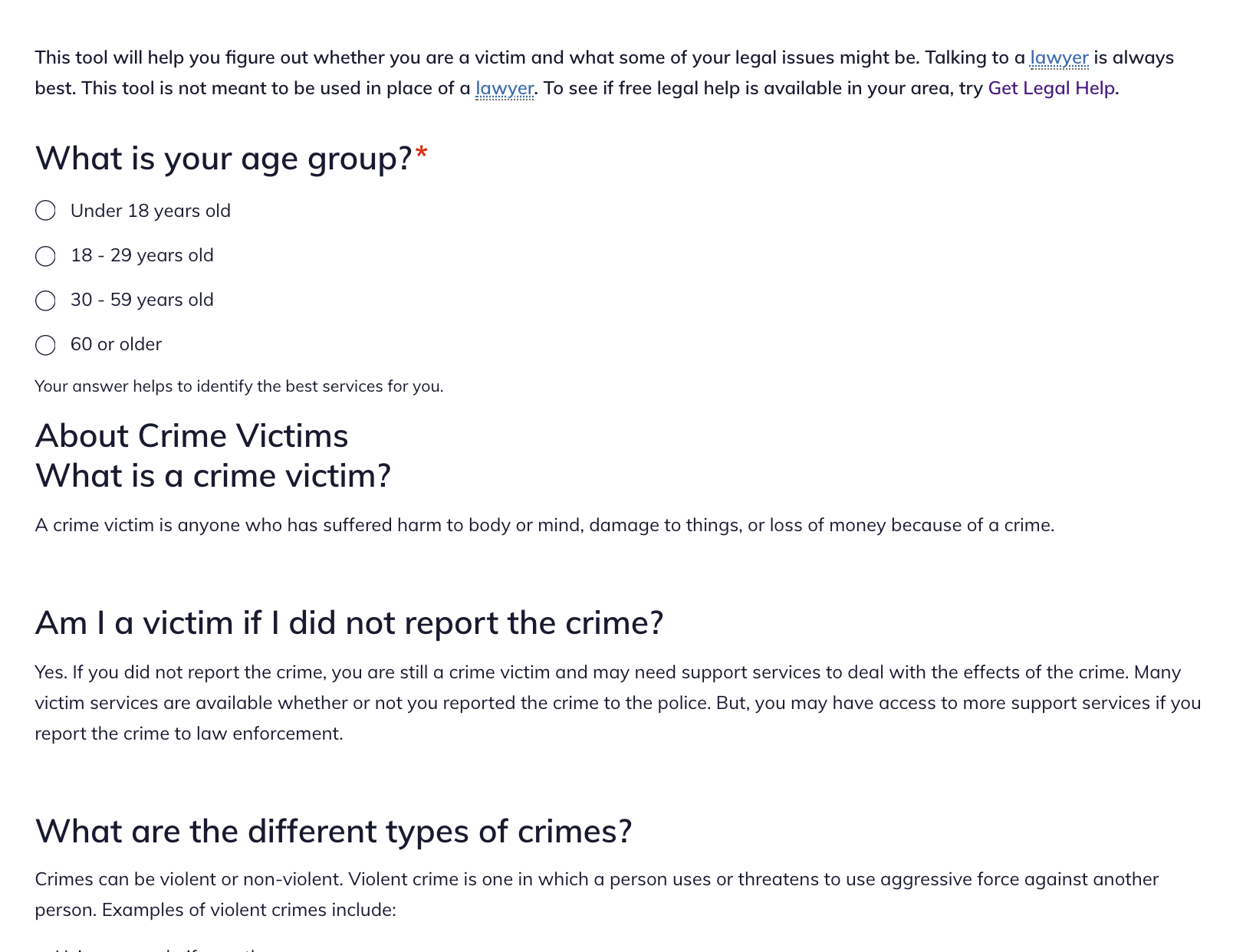
Webform without portal text block with added structured content block
This sample has a webform with no portal text block but with an aded structured content block.
Webforms
Webforms are created separately and then linked to from the portal content. Webforms in content should not have submit buttons unless they are collecting information. In the D7 site, we were able to use the submit button to route users to specific pieces of content. That functionality does not exist in Drupal 8 so instead we use the Advanced HTML/text component within the webform and conditional logic to show links based on conditions instead.
Webforms are created and edited from the webform management tools.