Portal layout summary
The portal layout summary is used as a single column body in the main content column. It is often used in portal sub-pages.
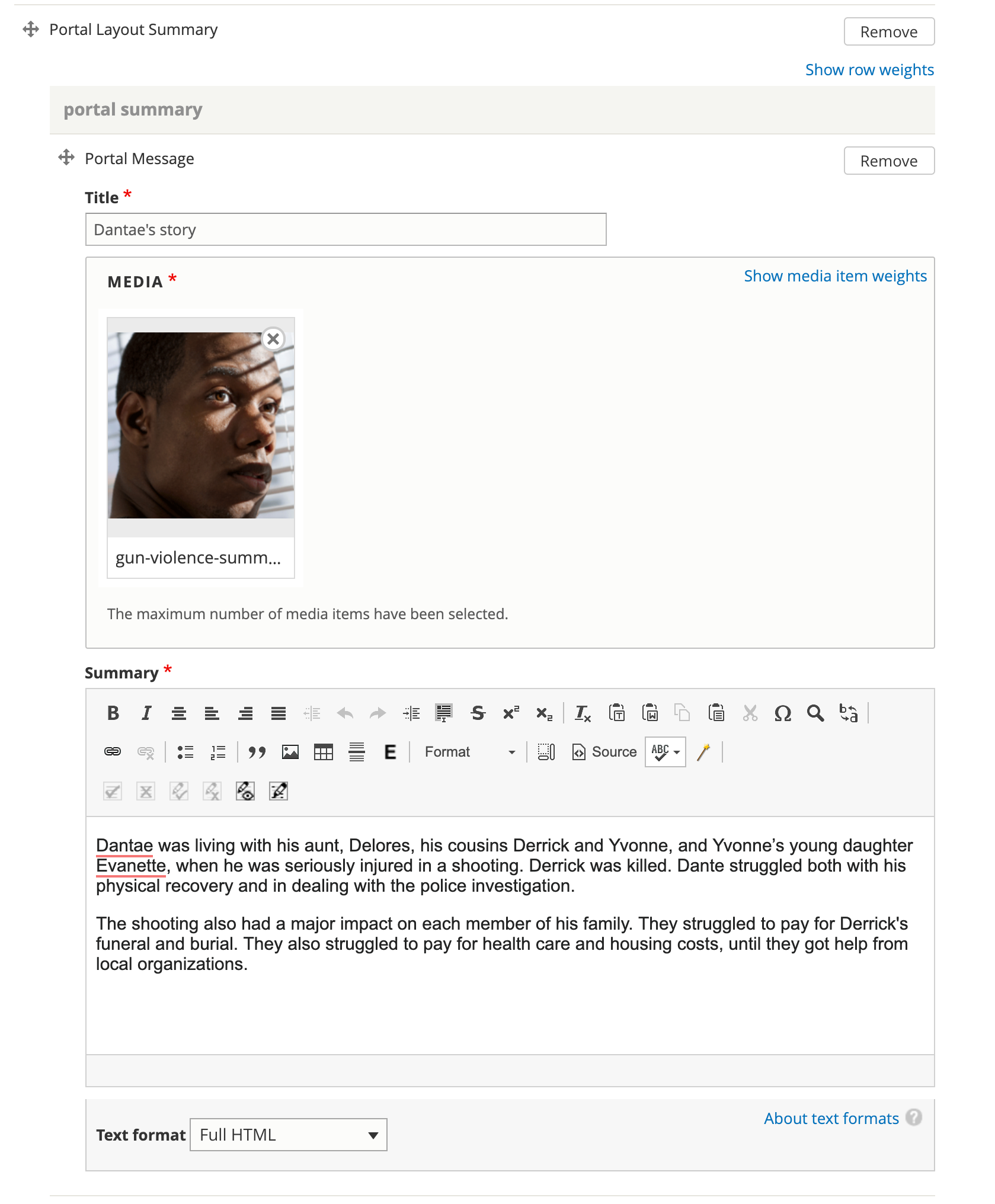
A portal layout summary contains one or more portal messages. A portal message contains:
A title
An image
A summary/body
All fields are required.
Placement
For each portal message in the portal layout summary:
the image renders at the top
the title renders as a heading next
the text renders as body text last
Portal layout summaries are always placed in the left column (desktop) and beneath any sidebar items on mobile.
Portal layout summaries are rendered in the order they are placed in the main column, except that timelines always render last.
Portal messages within a layout are rendered in the order in which they are placed.
What users see