Intake settings
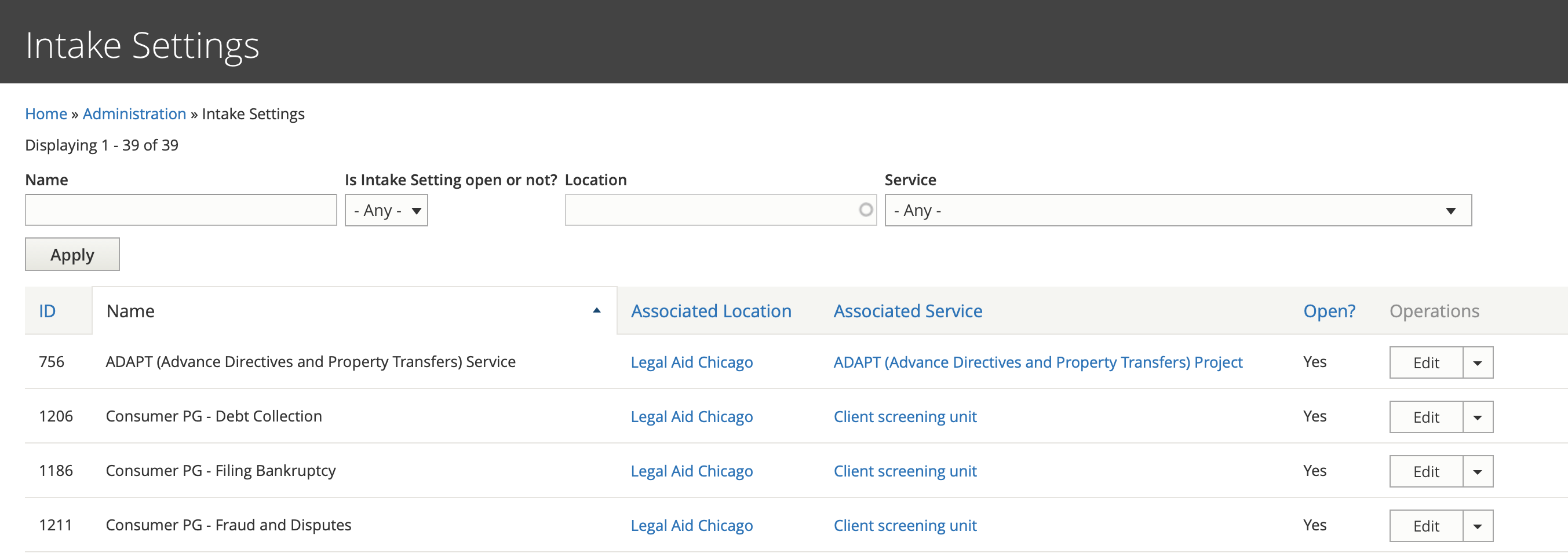
Organizations can manage their intake settings from a report. that lists all of the intake settings that have been assigned to their organization. This report is filtered based on the current logged in user’s groups (so ILAO staff won’t see it the same way as our OTIS partners).
Note
All intake settings for an organization will be listed here BUT unless they have been associated with the organization’s group profile, the edit button will be missing on this report
Intake settings may also be edited by selecting “View entity” and then “edit” from the drop down on the group’s entities list page(s).
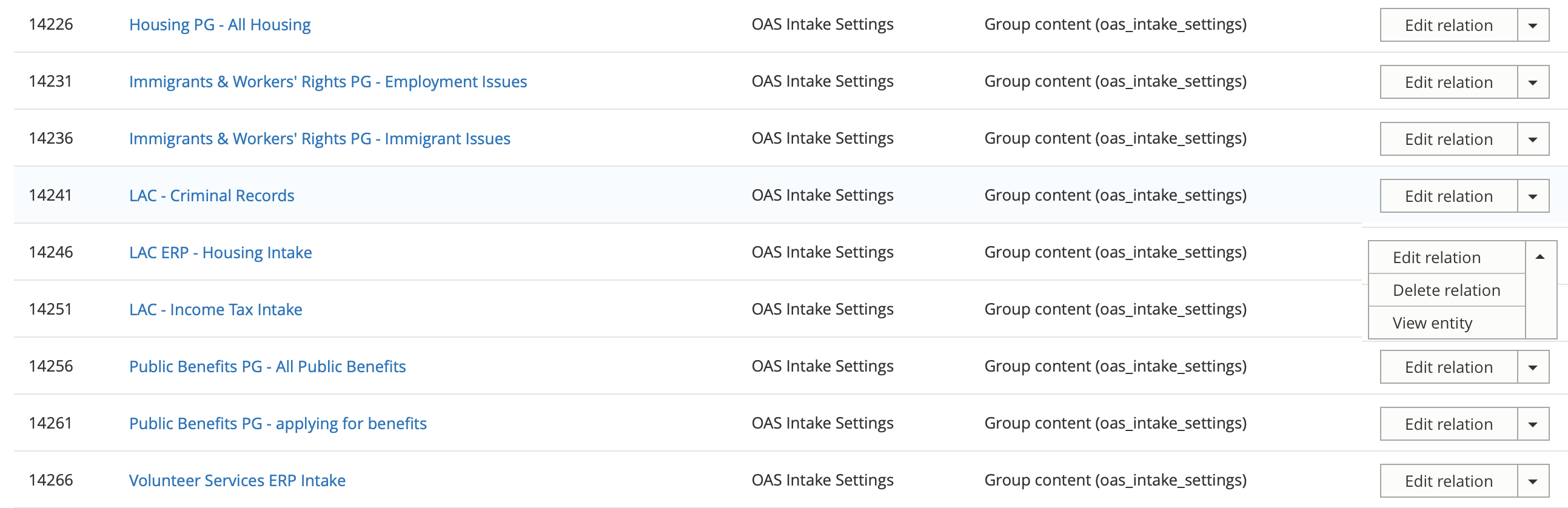
Adding an existing intake setting to an organization
To add an existing intake setting to an organization:
From the dashboard, select “Manage my organization”
Select “All entities” from the group menu
Select “Add existing entity”
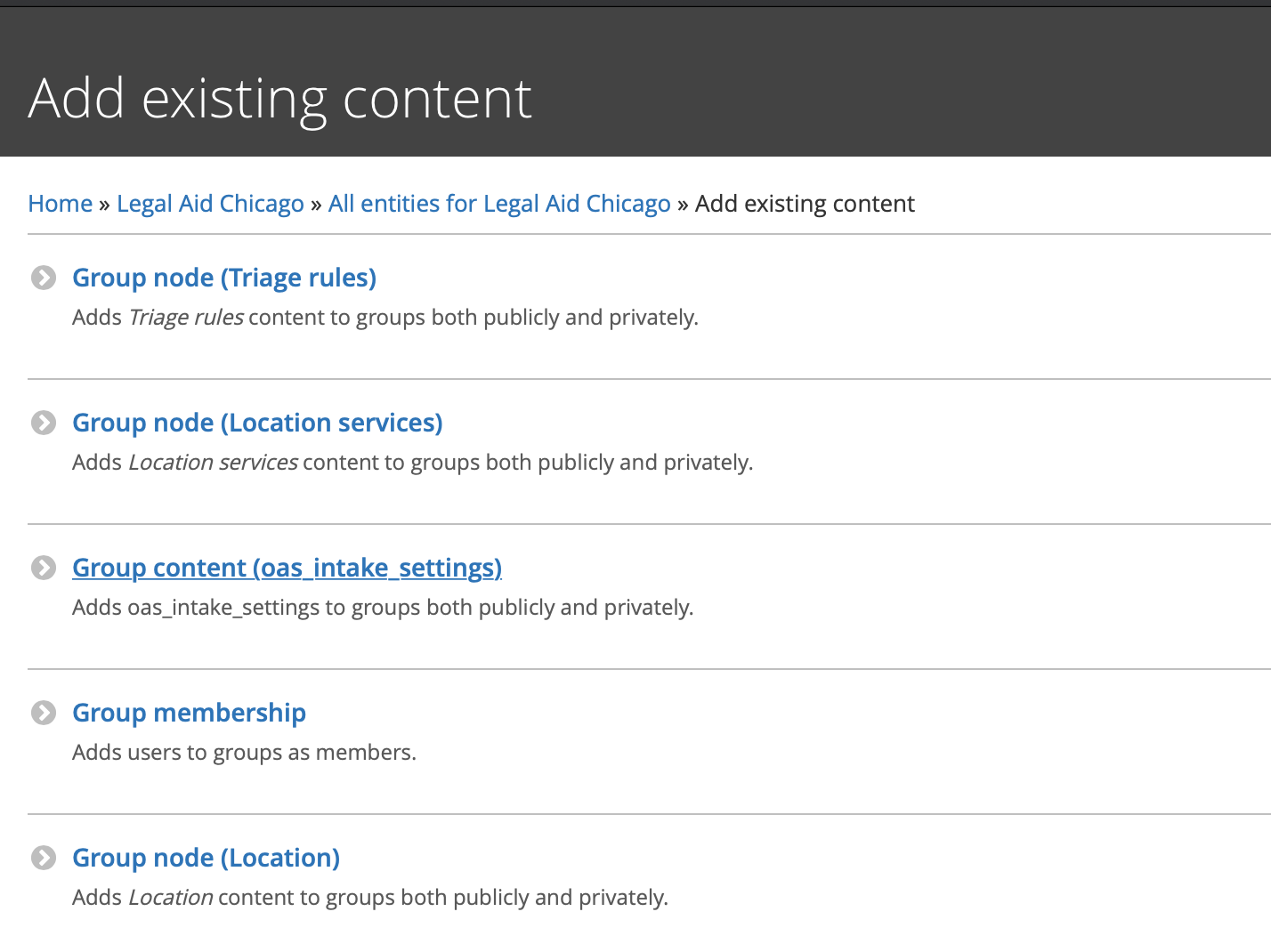
Search for the name of the intake settings to add
Press save
Warning
An intake setting can only be added once.
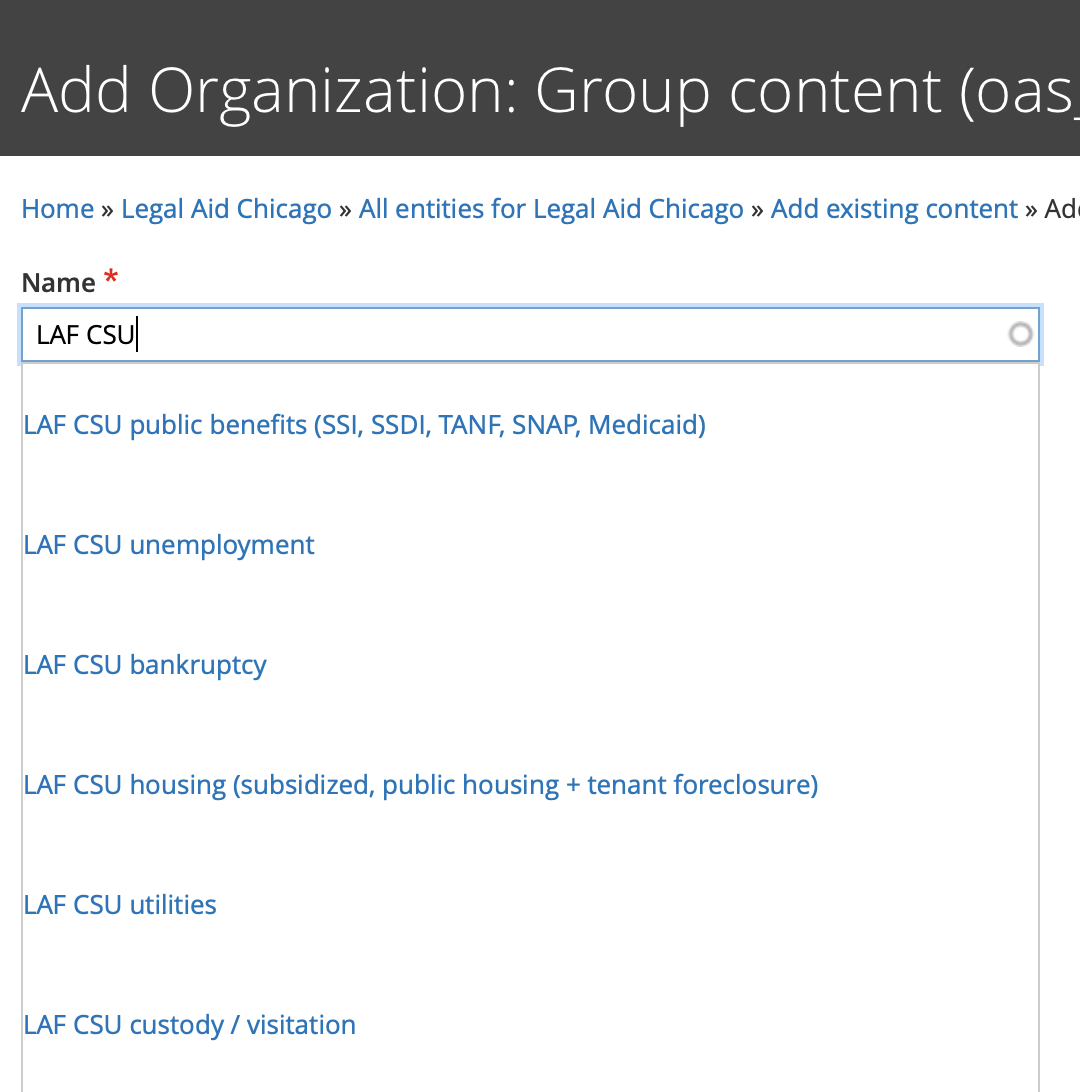
Add a new intake setting to an organization
From the dashboard, select “Manage my organization”
Select “All entities” from the group menu
Select “Add existing entity”
Complete the add intake settings form
Translate an intake setting
Coming soon!