Webforms in legal content
Webforms can be created an embedded within legal content. Existing examples include:
Note
Currently, webforms can only be embedded in portal main page content and toolbox steps.
Are you a victim? on VOCA
Creating a webform for legal content
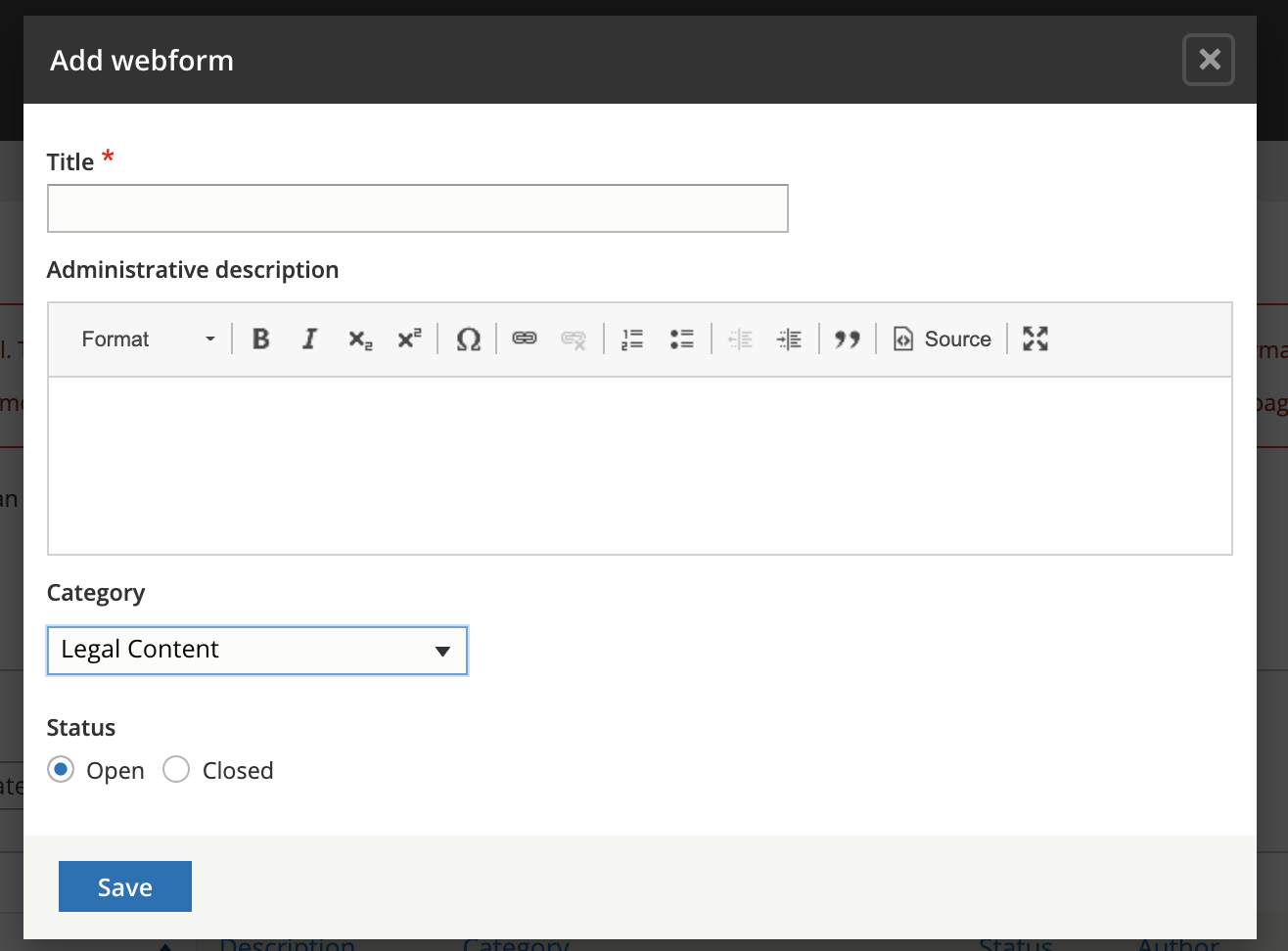
Go to Structure => Webform and Add webform
Enter a title that complies with our style guidelines in the title
Set the category to Legal Content
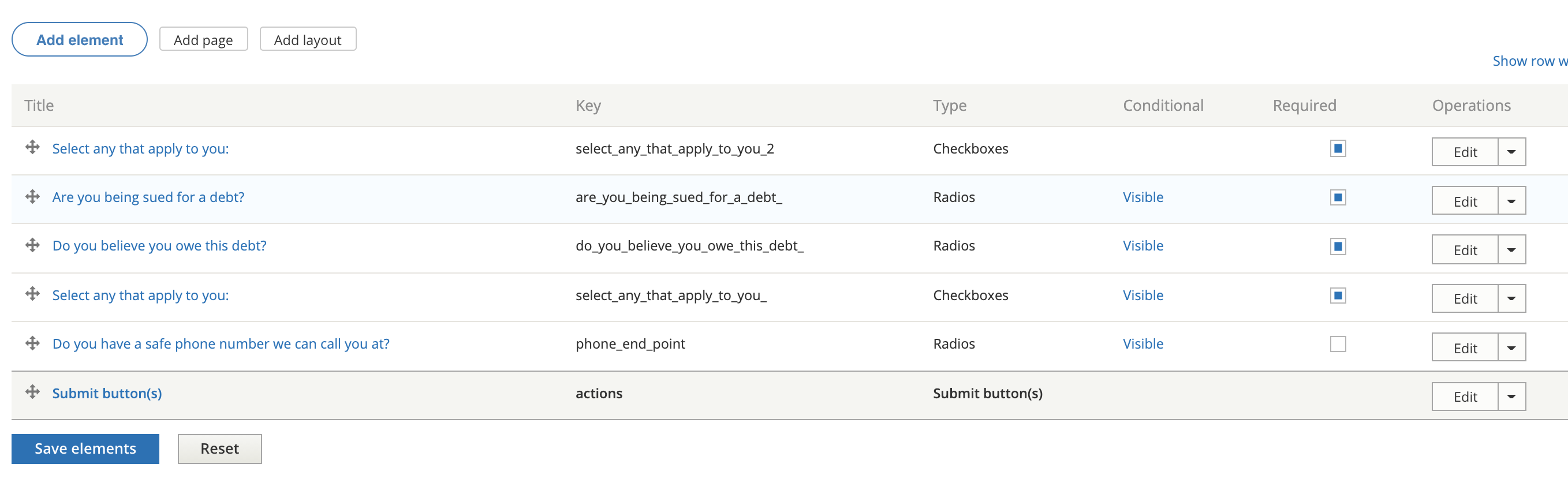
Go to Build and build your form. See Drupal’s webform documentation for general information on how to build a webform.
Go to test or view to test your webform. If you use view, any data will be stored as a webform submission.
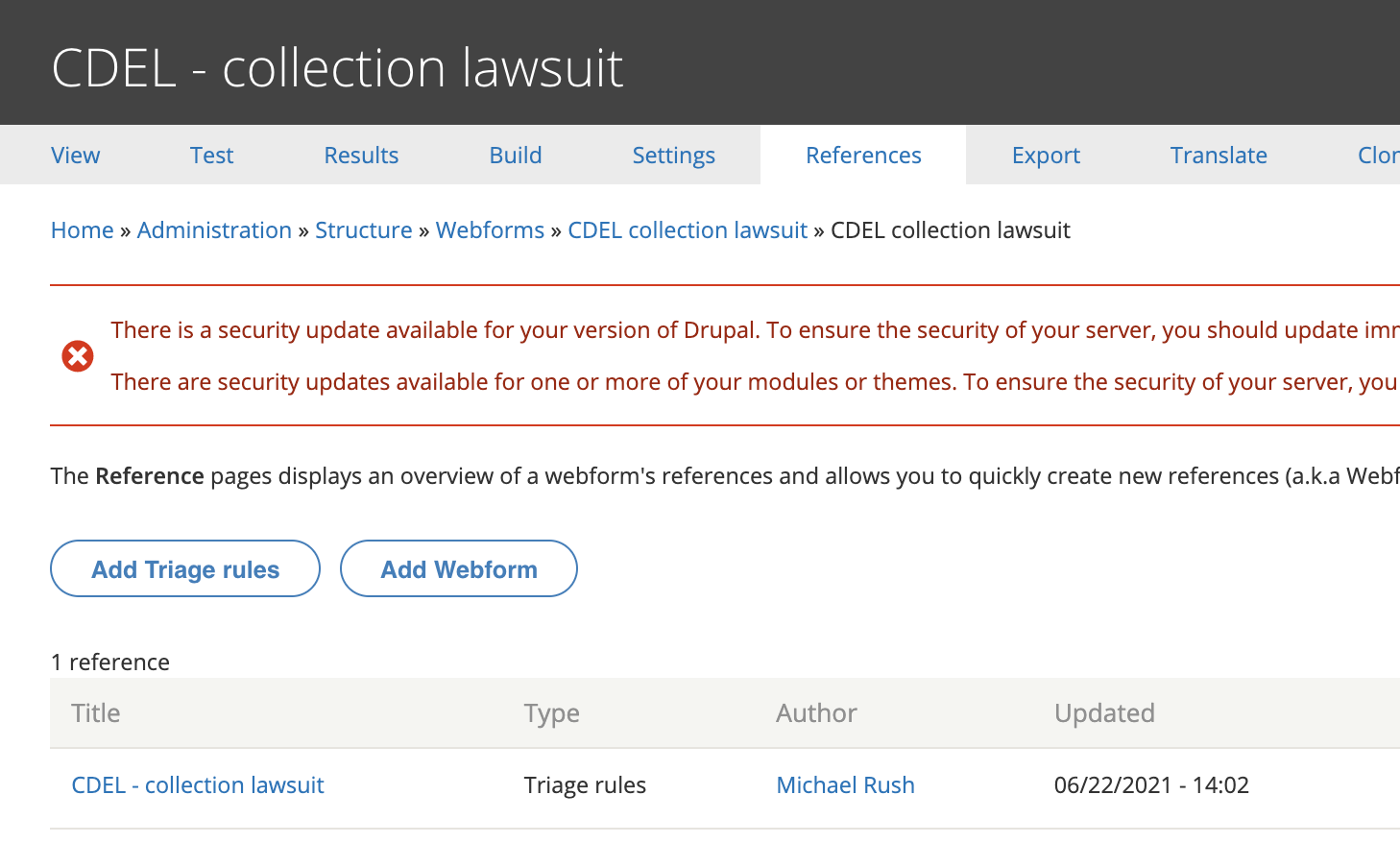
Go to reference and create a webform node to attache your webform too.
Adding to legal content
To add to portal main page:
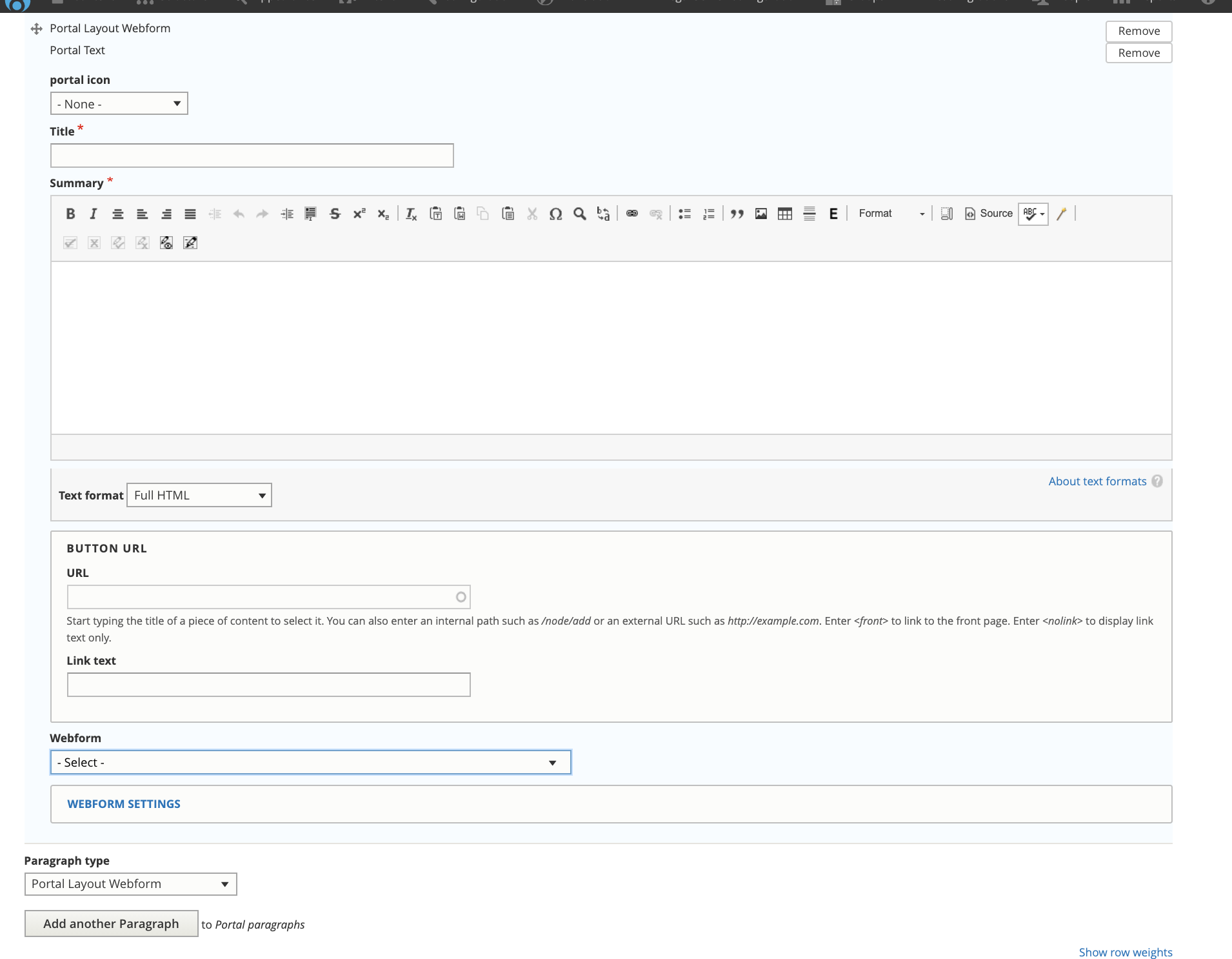
Add the paragraph bundle “portal layout webform”
Provide a title for the webform.
Add a summary. This is a place to provide text for the user to understand the form.
Select the webform from the dropdown.
Todo
Add support for webforms embedded in legal content.
To add to tool step content:
Add the paragraph bundle “Webform”
Optionally, provide a title for the webform.
Optionally, add a summary. This is a place to provide text for the user to understand the form.
Select the webform from the dropdown.