Link tool in WYSIWYG
The link button in the WYSIWYG uses a module that allows users to create a link OR to insert an internal link.
To add a standard link:
To add a hyperlink to an external webpage, just type or paste in the full url. For example:
www.google.com
To add an email link, enter mailto:emailaddress in the url field. For example, mailto:info@illinoislegalaid.org
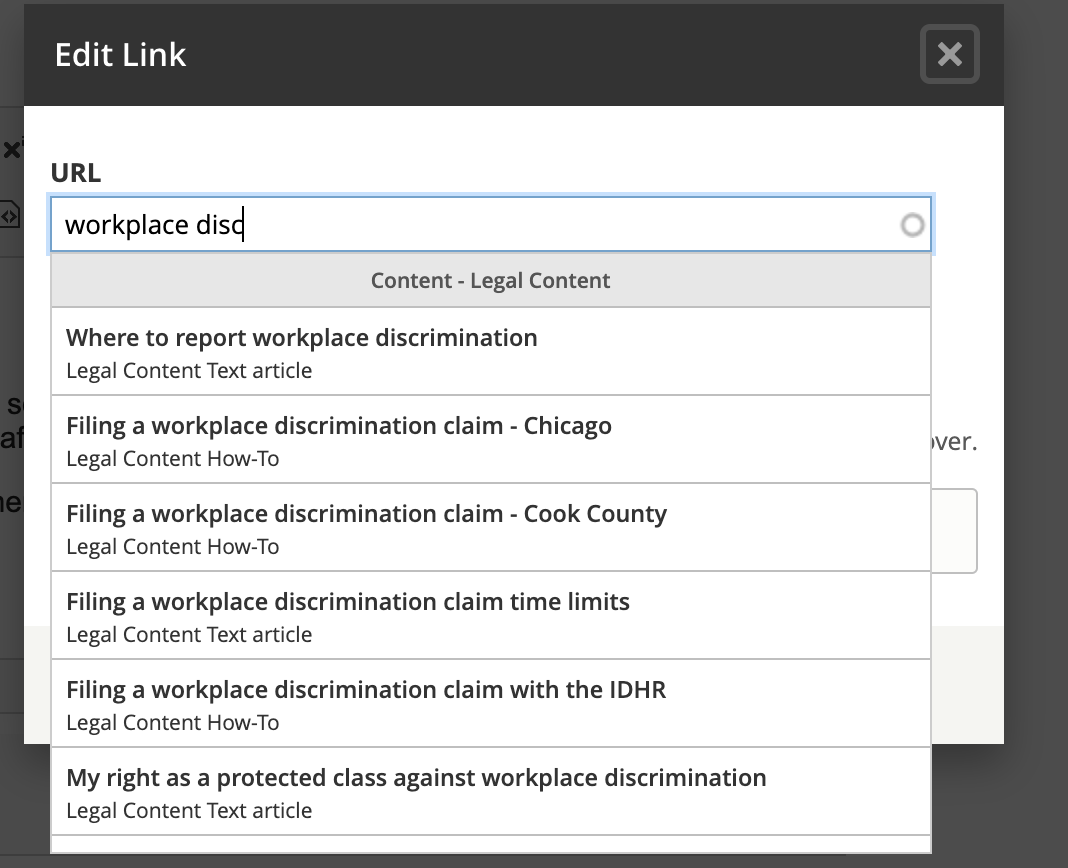
To add a hyperlink to an internal link, type the English title into the text box. A list of content will appear.
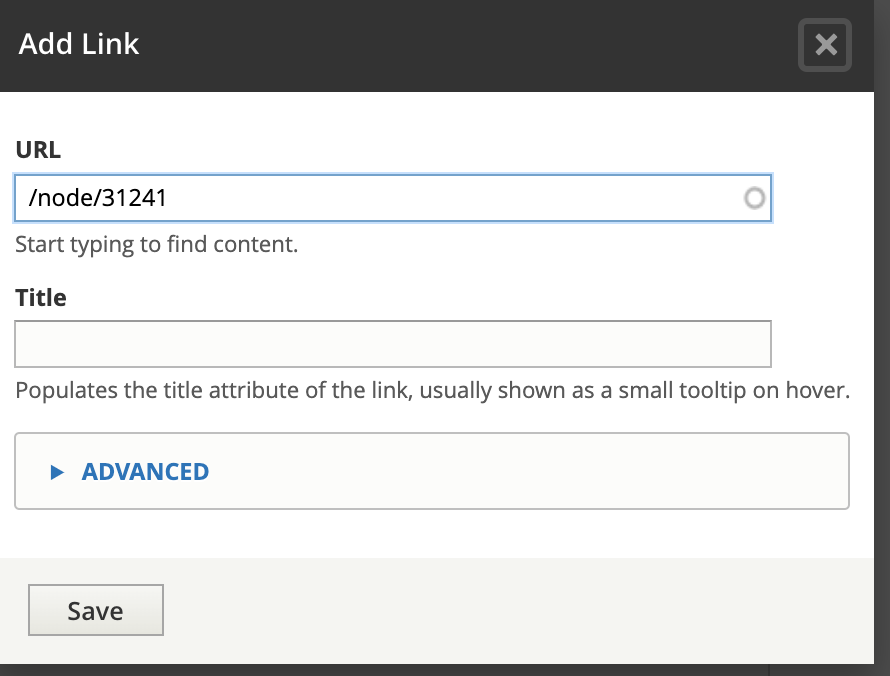
For Spanish and Polish pages, add the /es/ or /pl in front of the node. For example, in the image below, the url is /node/31241. For Spanish, it would need to be updated to /es/node/31241 and for Polish /pl/node/31241.
To use anchor tags:
For the anchor, create a link that leaves the url empty but adds a unique ID to the page.
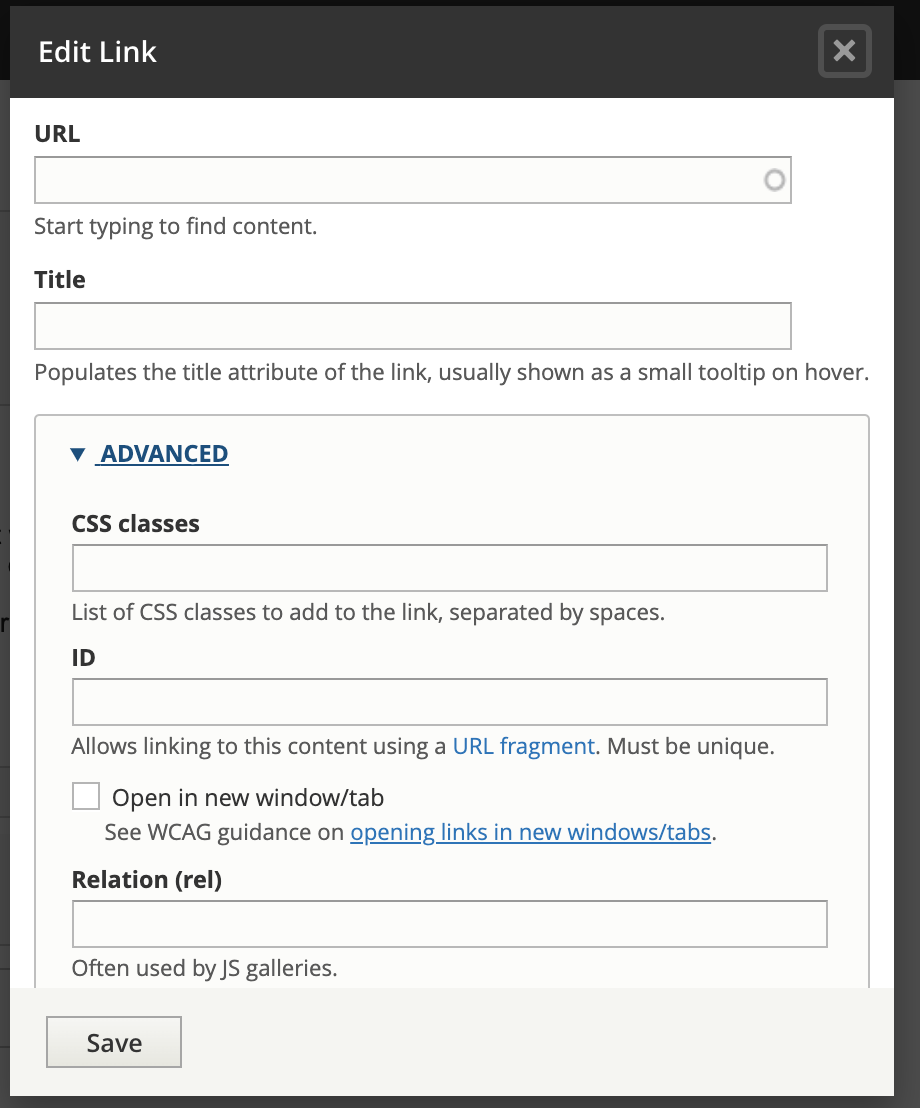
For the anchor link, create a hyperlink that links to #[id]. For example, if you create an anchor named item1, the hyperlink to it would be #item1.