Legal information navigation ordering
Tagging Content to Navigation Terms
Content team members may prioritize certain content to show up higher than other content. This is done by editing the taxonomy term(s) and adding content to the Top Content field.
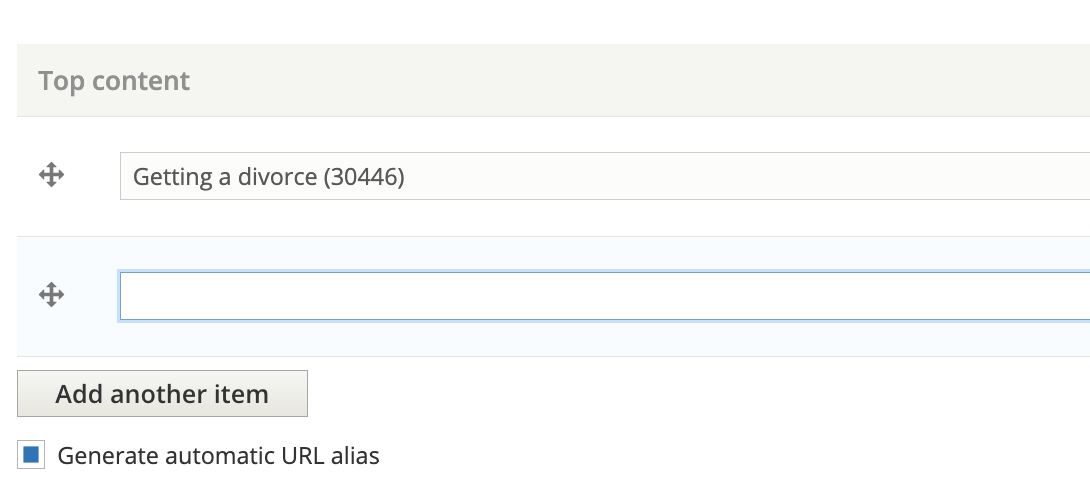
Each language can have it’s own top content, reflective of different priorities for different audiences. The easiest way to edit a taxonomy term is to browse to the page on the site and click “Edit”.
Note
Please work with the Legal Content Director on how to prioritize what content to show first. We do not yet have standards developed.
Pageviews
As of Oct 12, 2023, the website is using existing page view data that existed at the time Universal Analytics stopped working (August 2023). We are working on a tool to import those values from Google Analytics 4.
Default Ordering
On top-level category pages like “Family & Safety”, the results are ordered by:
Top content within each subcategory
Page views descending
Last substantive revision descending
As an example, on Family & Safety, if we we tagged “Random article” and “Random article 2” as the top two articles and the top 4 articles in terms of page views were Getting a divorce, Divorce, Responding to a divorce, and What if I can’t find my spouse, viewers would see:
Random article
Random article 2
Getting a divorce
Divorce
On subcategory pages, it follows the same approach, except each section is broken out. For example, on the Divorce subcategory page, in the Forms section, it would show:
Divorce (because it was market as top content and is a form)
any other divorce forms ordered by page views