Donation blocks
We have three donation blocks available (additional blocks could be added):
Donation-A
Donation-B
Donation-C (this is currently a copy of Donation-A)
Donation A is assigned to 250 pieces fo legal content, the home page, and a handful of other pages.
Donation B is assigned to 250 pieces of legal content and a handful of other pages.
Donation C is assigned to all pages other than those assigned to Donation A & B.
The 3 blocks are limited to English pages as they are not translated.
Note
To support different languages, we would first need to make copies of our donation forms on QGiv and translate those.
To create a new block
Only one header block should appear on any given page. To create a heading banner:
Go to Structure => Block layout => Custom block library
Add custom block
Select basic
Enter a block description; this is what appears in the block library as the name of the block.
Enter the body. Use the header banner code below to provide the correct style.
DO NOT add an image.
When placing the block:
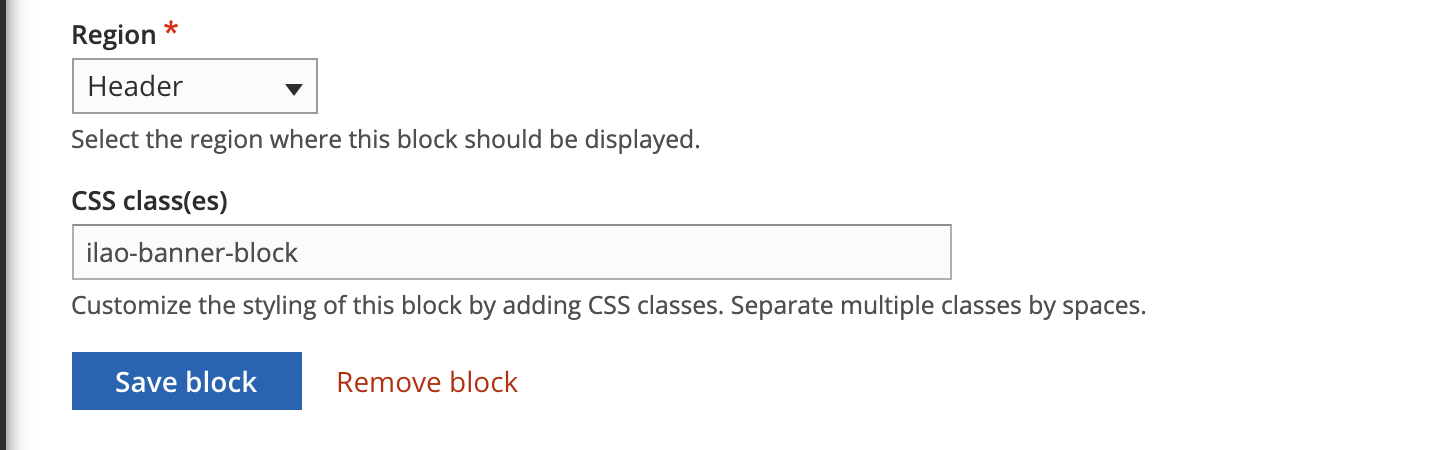
Add the block to the Header section on the block layout page by clicking Place block.
The block must be ordered just above the disabled blocks to keep the block from interfering with menus, site slogan blocks.
Set the block CSS class to ilao-banner-block to cause it to display correctly full-width.
Header banner code
This is the code used in the header banner to provide the correct style.
<div style="background-color:#F8FAFA;width:100%; padding:20px;font-weight:bold;box-shadow: 0 0.125rem 0.5rem rgba(106,107,113,0.2);">
<p style="padding-bottom:0;font-weight:bold;">
Text goes here
</p>
</div>
It is possible to embed an image in the header such as:
<div style="background-color:#F8FAFA;width:100%; padding:20px;font-weight:bold;box-shadow: 0 0.125rem 0.5rem rgba(106,107,113,0.2);min-height:135px">
<img src="[img source]" style="vertical-align:middle;float:left" width="125px" />Text here</div>
Note
We added a minimum height to the div that is just slightly larger than the height of the image.